Jul 7, 2026
The Complete Google Business Profile Setup and Optimization Guide
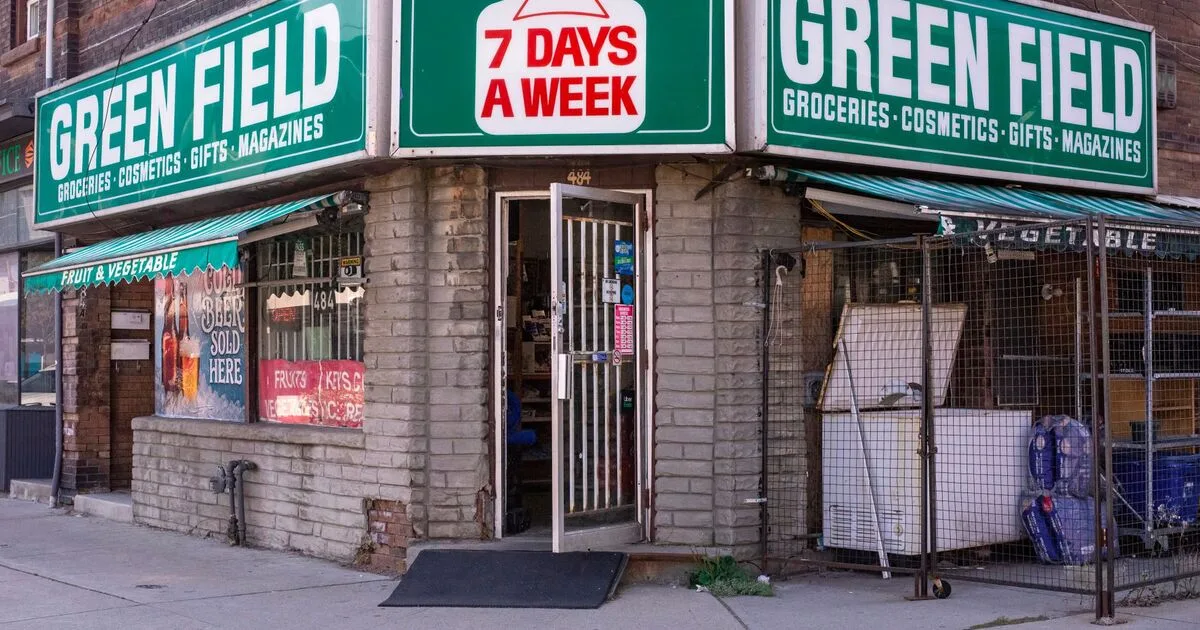
A Google Business Profile that's technically "claimed" but incomplete is one of the most common reasons a local business loses map pack visibility to a competitor with a thinner website but a fully built-out profile. The map pack, the three-listing block shown above organic results for local searches, runs on entirely different signals than regular SEO, and most of those signals live inside a profile most businesses set up once and never touched again. Here's the complete setup and optimization checklist.
3
listings shown in the map pack, the highest-visibility local search real estate that exists
Free
creating and fully optimizing a Google Business Profile costs nothing
0
photos is a reasonable minimum to upload before a profile looks genuinely active
Weekly
how often you should be checking and responding to new reviews
Step 1: Claim and Verify Your Profile
Search your business name on Google, or go directly to business.google.com, and claim the listing if it already exists (Google often auto-generates a basic listing before you ever claim it) or create a new one. Verification typically happens by postcard mailed to your business address, though phone or email verification is sometimes offered depending on your business category and history, an unverified profile has severely limited editing ability and essentially no map pack visibility.
Step 2: Get Every Basic Field Exactly Right
Your business name should match your real-world signage and legal name exactly, adding keywords to your listed name ("Joe's Plumbing - Emergency 24/7 Plumber") violates Google's guidelines and risks suspension, however tempting the keyword boost looks. Your NAP, name, address, phone, must match exactly across your website, your profile, and every other citation source, a suite number present on your website but missing from your profile is a small inconsistency that still counts against you. Pick the single most specific primary category that describes your business, then add secondary categories for genuinely relevant additional services, don't stuff loosely related categories just for extra visibility.
Step 3: Build Out the Profile By Business Type
Set accurate hours including holiday hours, Google flags and demotes listings with hours that don't match reality based on user reports. Upload real photos of your actual location, interior and exterior, stock photos are easy for both users and Google to recognize as generic.
Hide your address (Google allows this for businesses that don't serve customers at their location) and define your service areas by city or region instead. Be realistic about the radius, a service area claiming 50 cities you rarely actually reach dilutes relevance for the areas you genuinely serve well.
Each location needs its own separate, fully verified profile, never one profile trying to represent multiple addresses. Use Business Profile Manager's bulk location tools to keep NAP consistent across locations rather than editing each one individually and risking drift.
Step 4: Set Up Ongoing Maintenance
- Post updates regularly. Google Posts (offers, updates, events) don't have strong confirmed ranking weight on their own, but they keep the profile visibly active and give searchers a reason to engage before they even reach your site.
- Respond to every review, positive and negative. A response pattern signals an actively managed business, and a thoughtful response to a negative review often matters more to a prospective customer reading it than the negative review itself.
- Answer the Questions & Answers section proactively. Anyone can ask or answer here, seed it yourself with genuinely common questions before a competitor or an unrelated party answers incorrectly.
- Keep photos current. A location that's been renovated or rebranded with old photos still showing creates a mismatch between expectation and reality that shows up in reviews.
Common Mistakes
- Letting a competitor or automated system suggest edits that go unnoticed. Google allows public edit suggestions to listings, check your profile's edit history periodically, an incorrect suggested edit can get auto-applied in some cases.
- Treating GBP as a one-time setup task. A profile built once and never revisited loses ground to competitors actively posting, responding, and updating theirs.
- Inconsistent NAP across other directories. Yelp, industry-specific directories, and your own footer all need to match your GBP exactly, a mismatch anywhere is a small but real trust signal working against you.
Frequently Asked Questions
How long does it take to rank in the map pack after setup?
There's no fixed timeline, a newly verified, fully optimized profile in a low-competition category can see movement within weeks, competitive urban categories often take months of consistent activity and review growth.
Do reviews actually affect ranking?
Yes, review count, average rating, and recency are confirmed factors in local ranking, alongside how well your profile matches the searcher's specific query.
Can I have a Google Business Profile without a physical storefront?
Yes, service-area businesses can hide their address and still maintain a fully eligible profile, this is the standard setup for most home-service and mobile businesses.
A Google Business Profile is free real estate in the highest-visibility spot local search results offer, but only if it's built out completely and maintained, an abandoned profile with the bare minimum filled in is leaving that visibility to whichever competitor actually put in the work. If you want your profile audited and built out properly, our SEO team can handle the setup and the ongoing maintenance.
Want results like this for your brand?
Get a free strategy call and a tailored proposal within one business day.
Get a Free Proposal